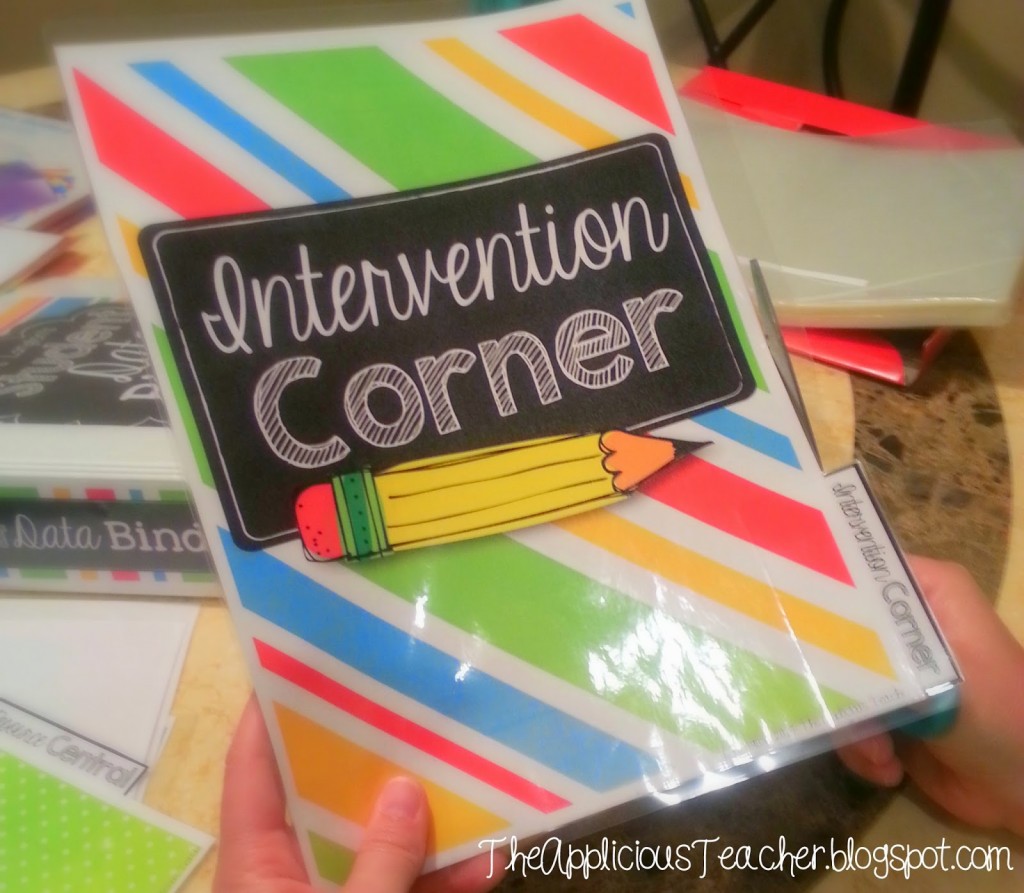
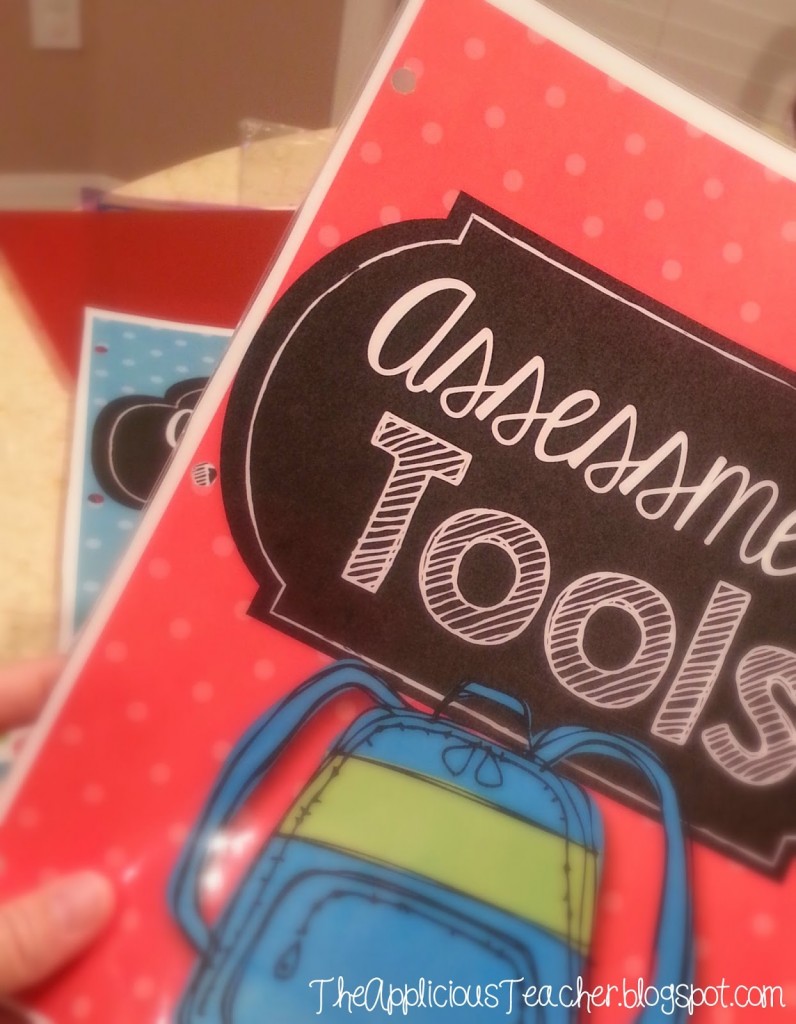
Staying organized is one of the most important parts of being a teacher (I mean besides that whole educating the future, part) Staying organized is an even bigger challenge. That’s why I live by my teacher binder! Seriously, my teacher binder gets used on almost a daily basis!
So today, I’m sharing with you all about how to make, keep, and what to put in this must have tool for teachers everywhere!
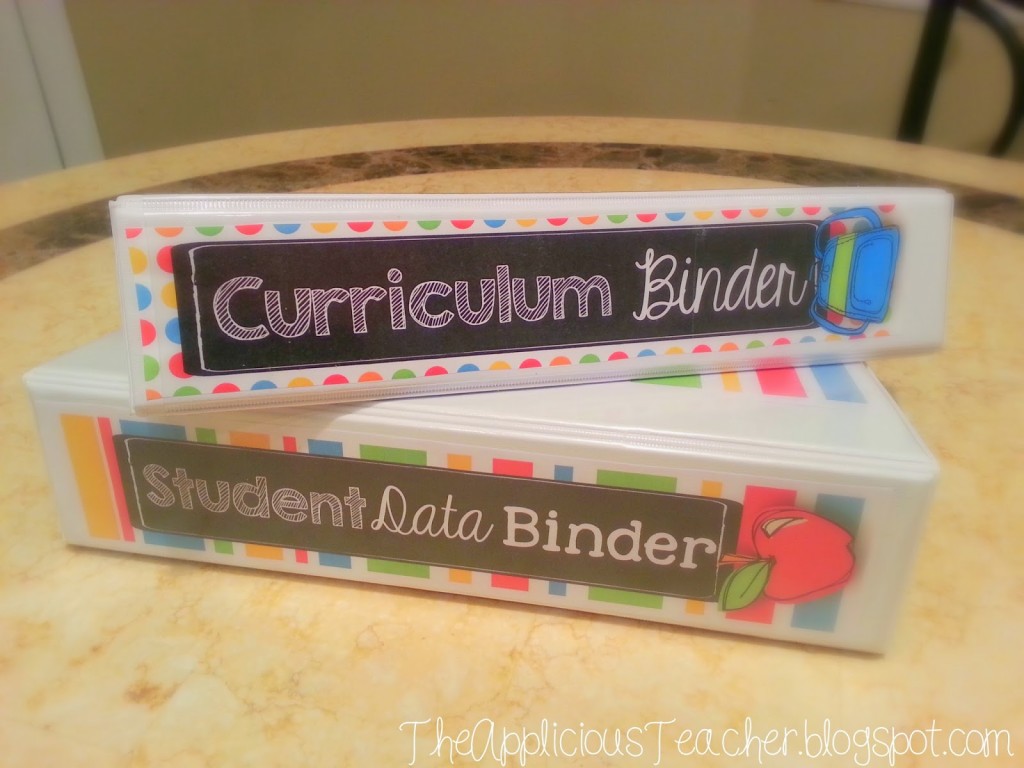
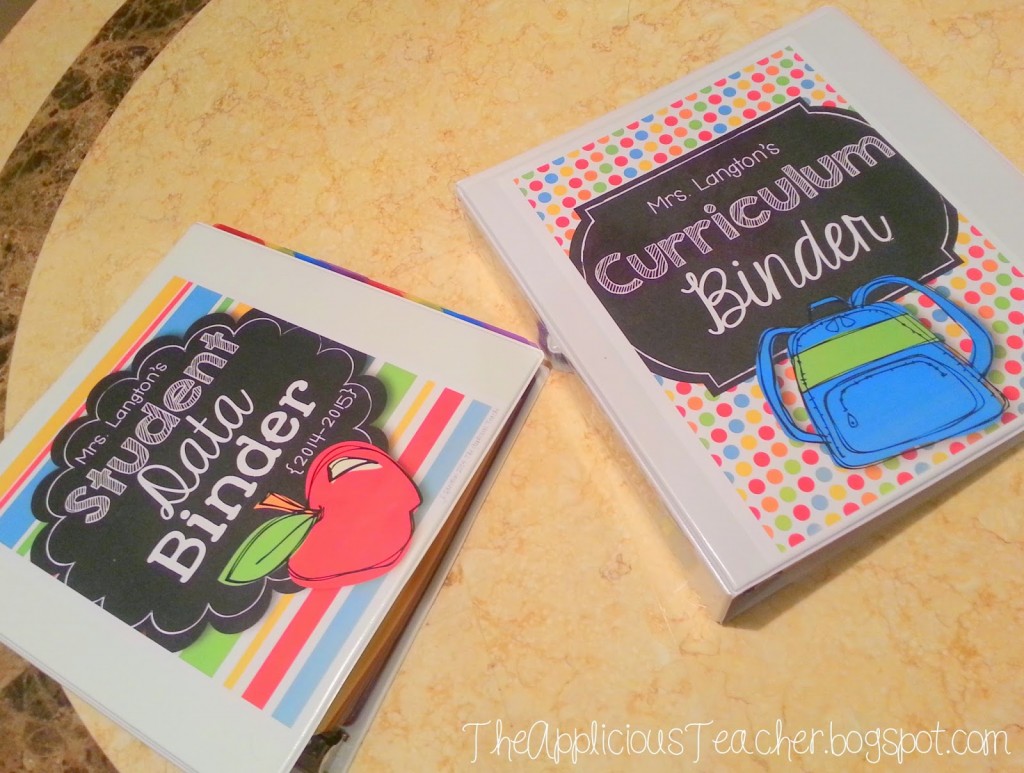
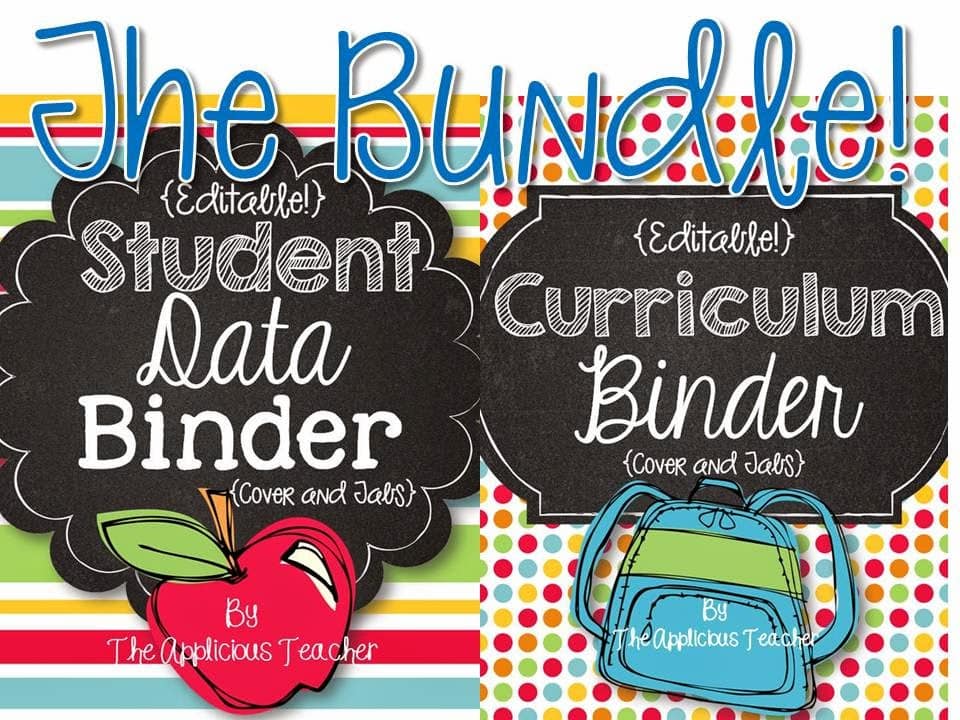
This awesome binder is really only one half of my amazing team of teacher binders! Be sure to check out both of these here!
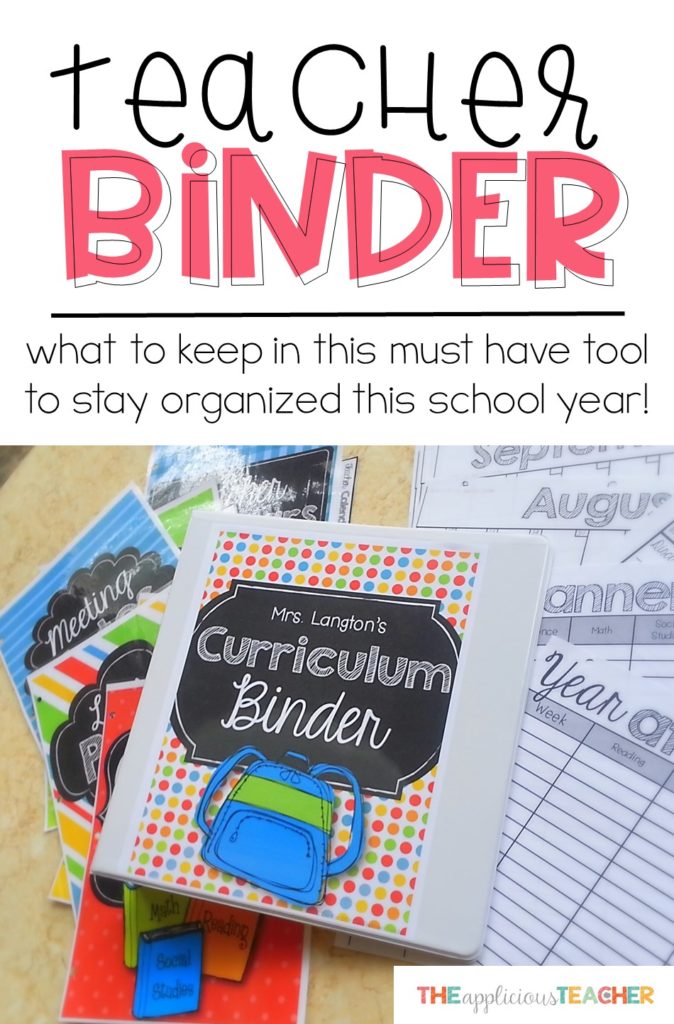
Well… simply put… it’s a place to store all that “stuff” that you, as a teacher, need! I’ve been using a Curriculum binder in various forms for about 4 years and it’s helped me stay much more organized! I’ve found that getting (and staying) organized is directly linked to having a place for things. If I have a place to keep it, then it stays organized.
So, no more…
“Where did I put that…?”
“Is it in this stack…?”
“GGRRRR!!!!”
Believe me… it’s helpful! This is coming from someone who often puts down the stapler only to not be able to find it for at least three days… #canyourelate.
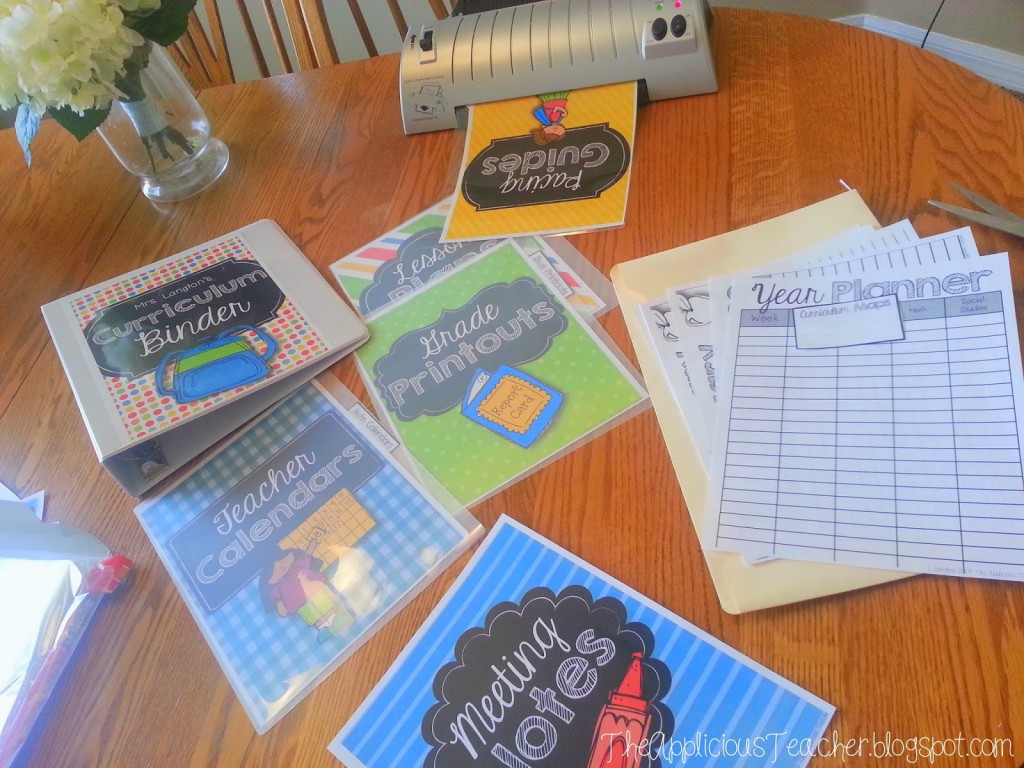
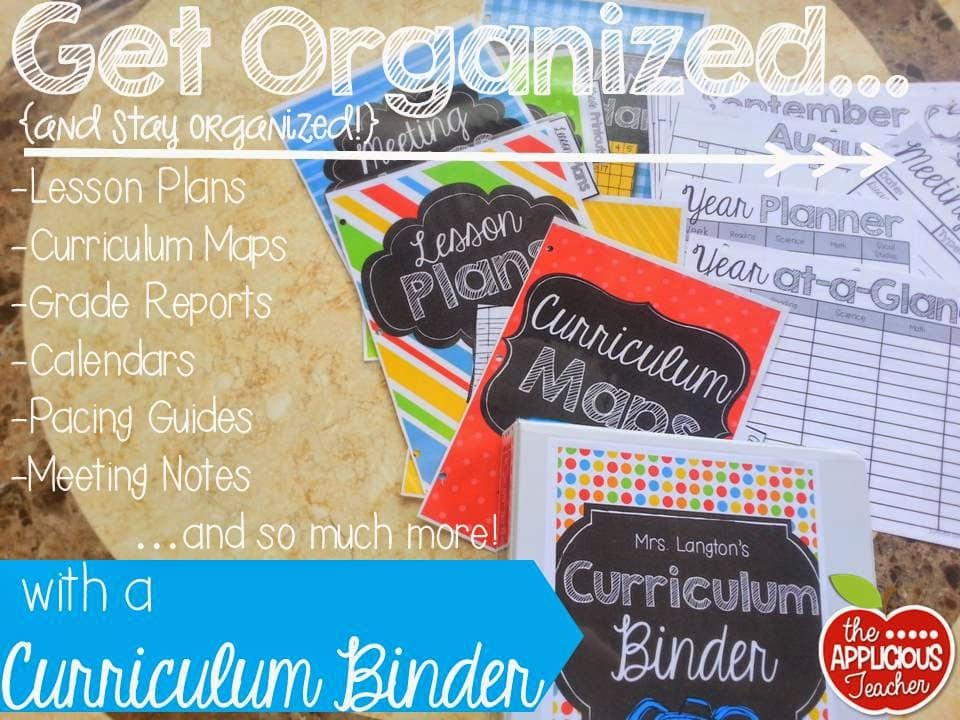
Think of this baby as the holding place for all those important papers you can’t seem to keep track of. Just a few of the papers you can keep handy in this teacher binder:
Calendars
schedules
Lesson plans
Curriculum maps
Meeting notes
Pacing guides
…can all lay to rest in this cute and organized binder.
Before switching to this method, I used to use the “stick on the filing cabinet” system. This seemed to work for about 2 years… but I kept taking things off to use them and then misplacing them… WHOMP! WHOMP!
I also like to keep them in one place so that when I’m planning at home, I can just grab the whole thing and work. No more digging through papers on my desk or on my cabinet. #happyteacher
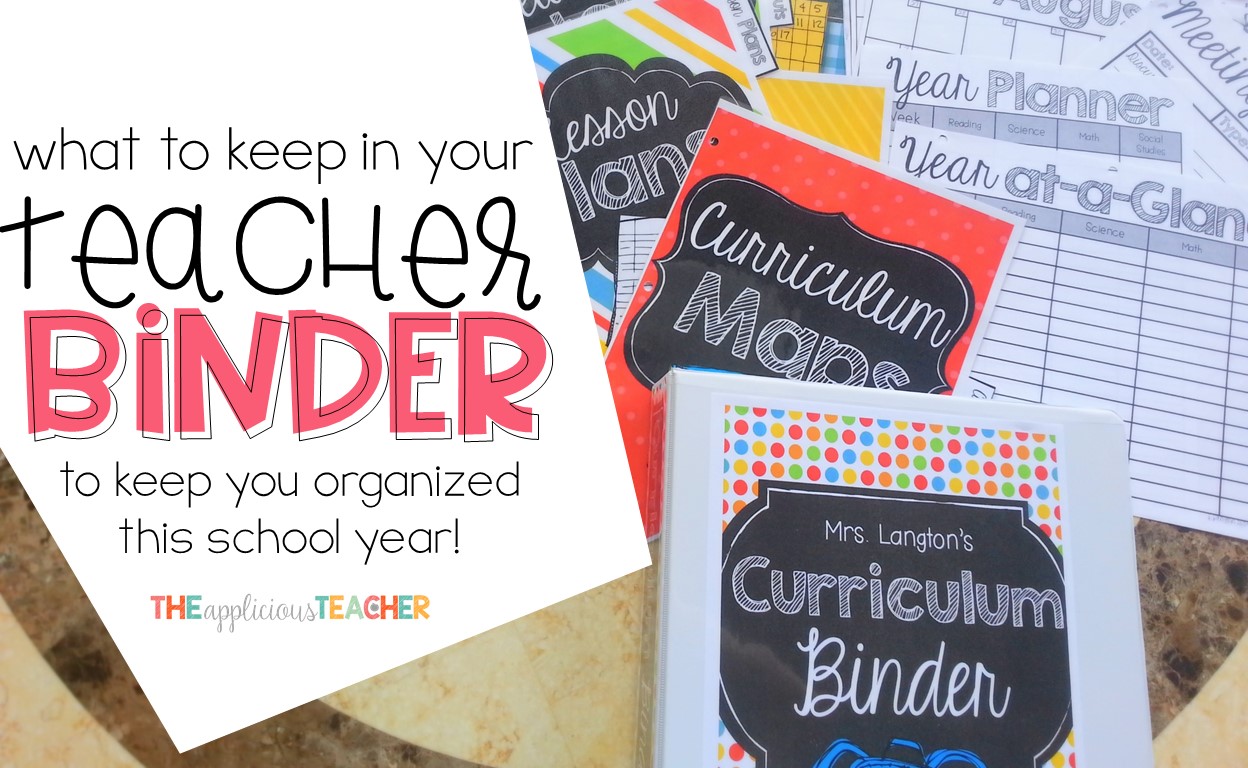
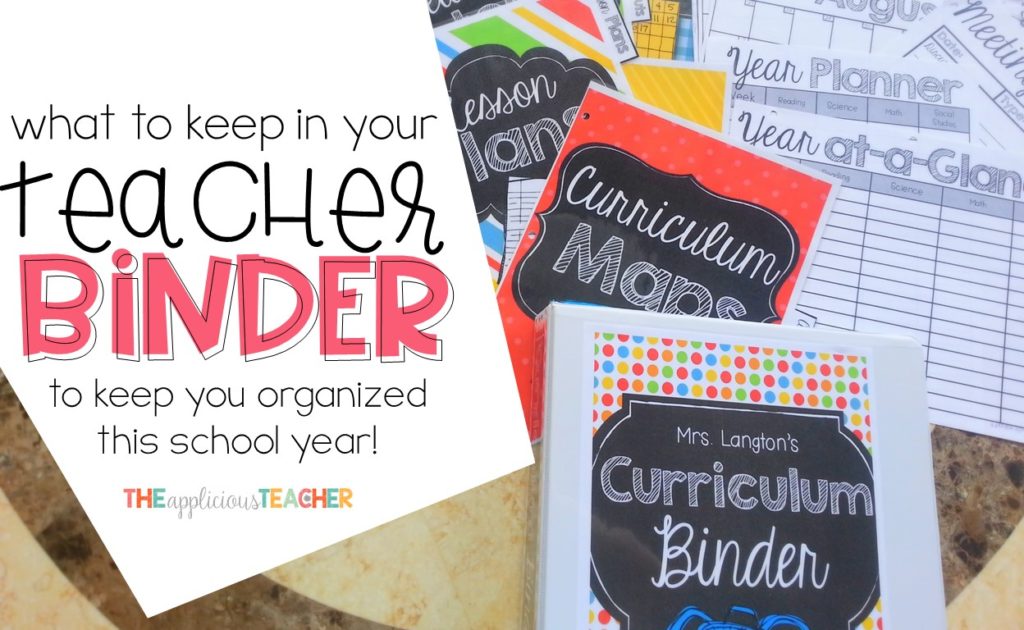
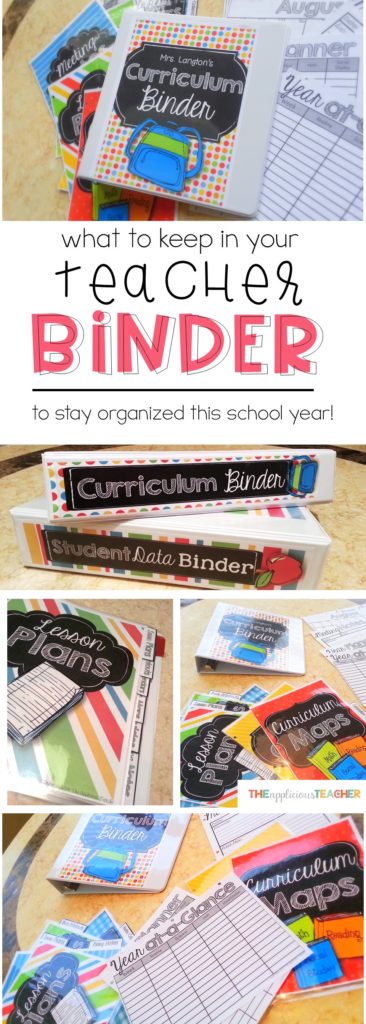
So here’s a peek at what I keep in my Curriculum Binder and how you can assemble one for yourself!
A Peek inside the Teacher Binder
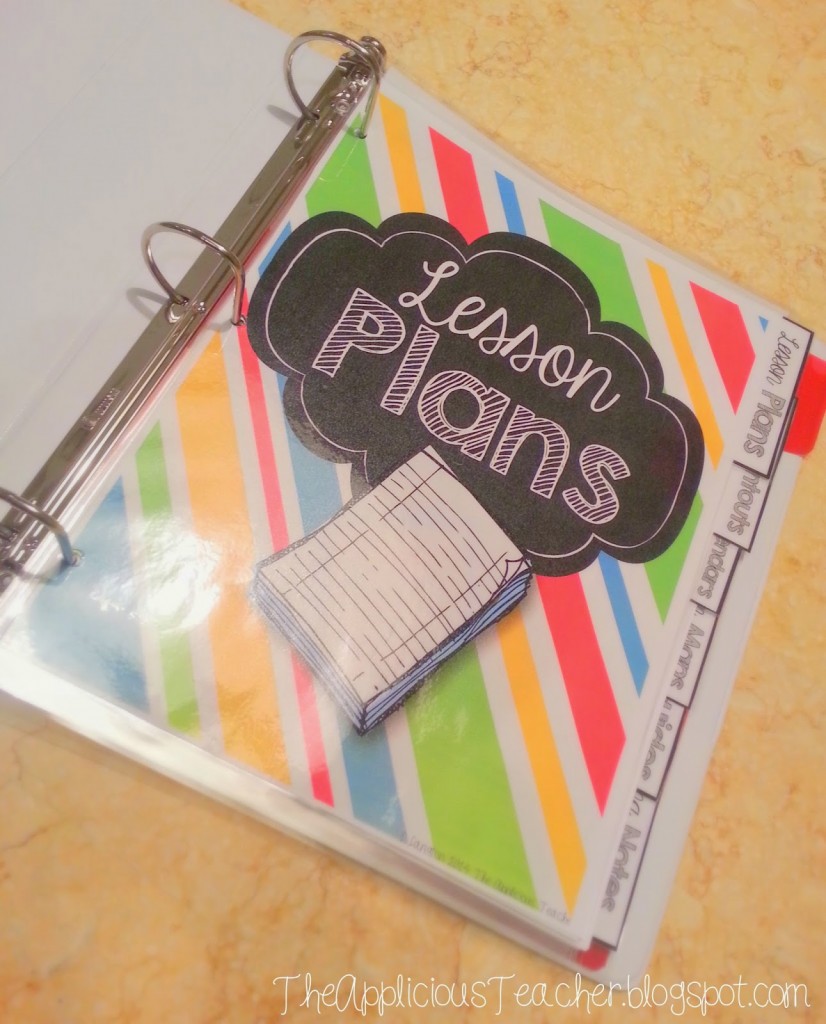
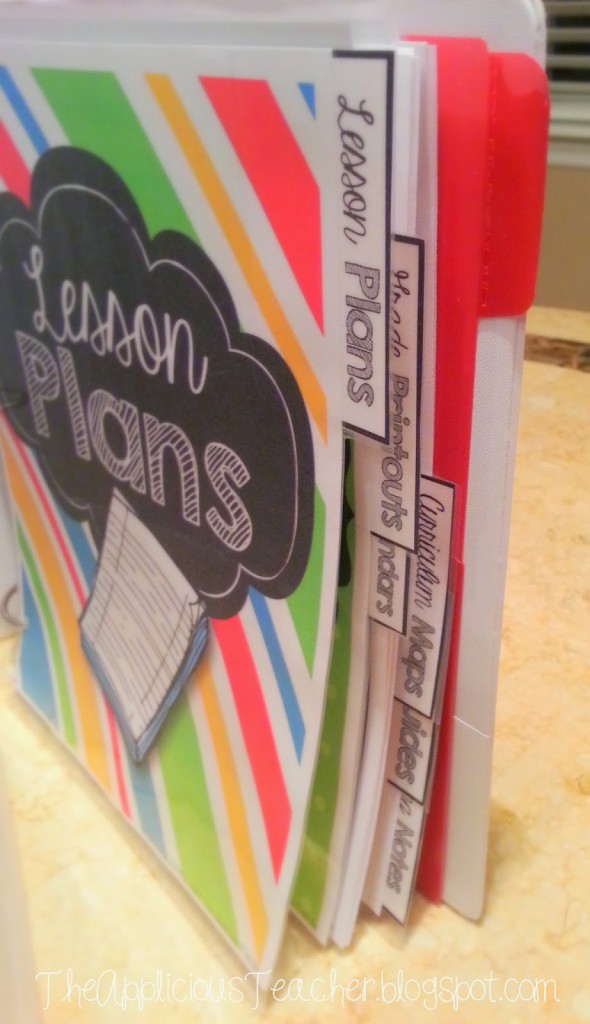
First up are my lesson plans. At my school, we are required to turn in a plan book at the end of the year. So, week after week, I print out my lesson plans, three hole punch them and place them behind this tab right here!
Then, when it’s time to turn in the lesson plans book, I just take out all the print outs, bind them with a rubber band and turn them in. BAM! Organized teacher saves the day! 😉
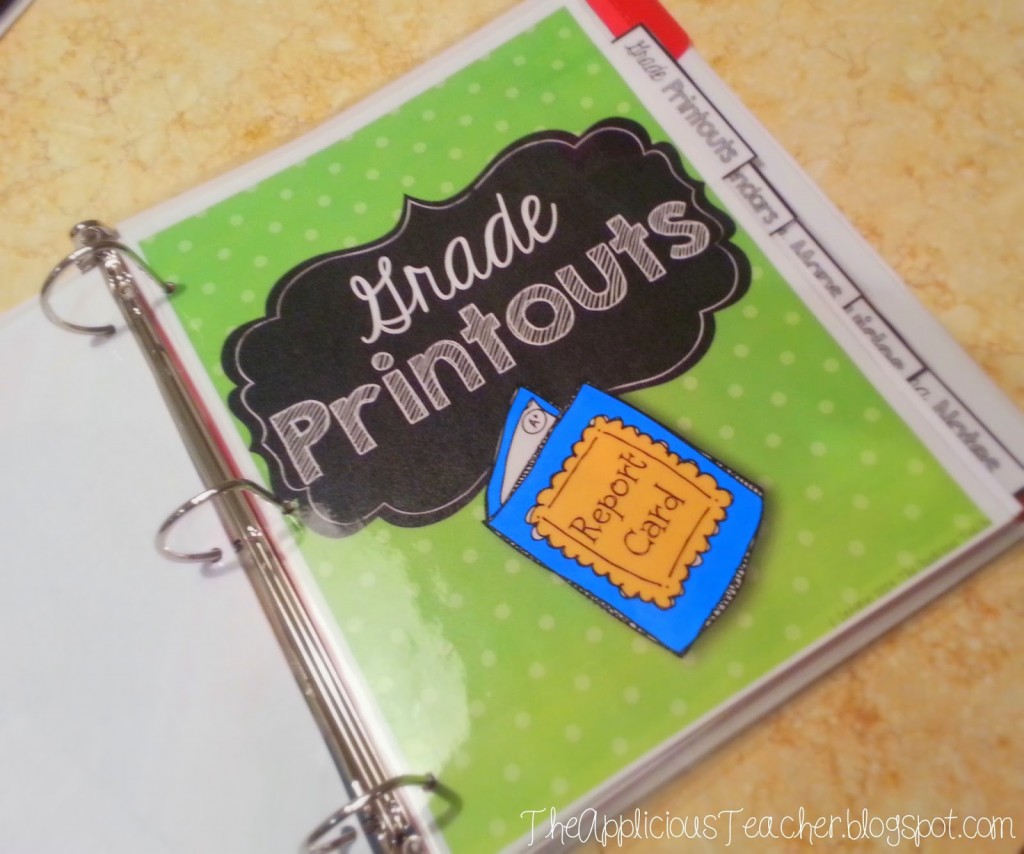
Behind the lesson plans’ tab, I keep grade print outs.
I am also required to keep a grade book and turn it in at the end of the year. We use an online grade book, so I just print off the grade reports each quarter and interim and put it behind this tab. I also like to keep printouts of scores from big tests that my kiddos have taken. This is not to be confused with what I keep in my student data binder (as that is constantly being added too) but more as “light posts” throughout the school year. Now there is no question as to what grade I put on your report card, I’ve got it right here. Those get handed in the same way as the lesson plans. Low stress at the end of the year? Yes, please!
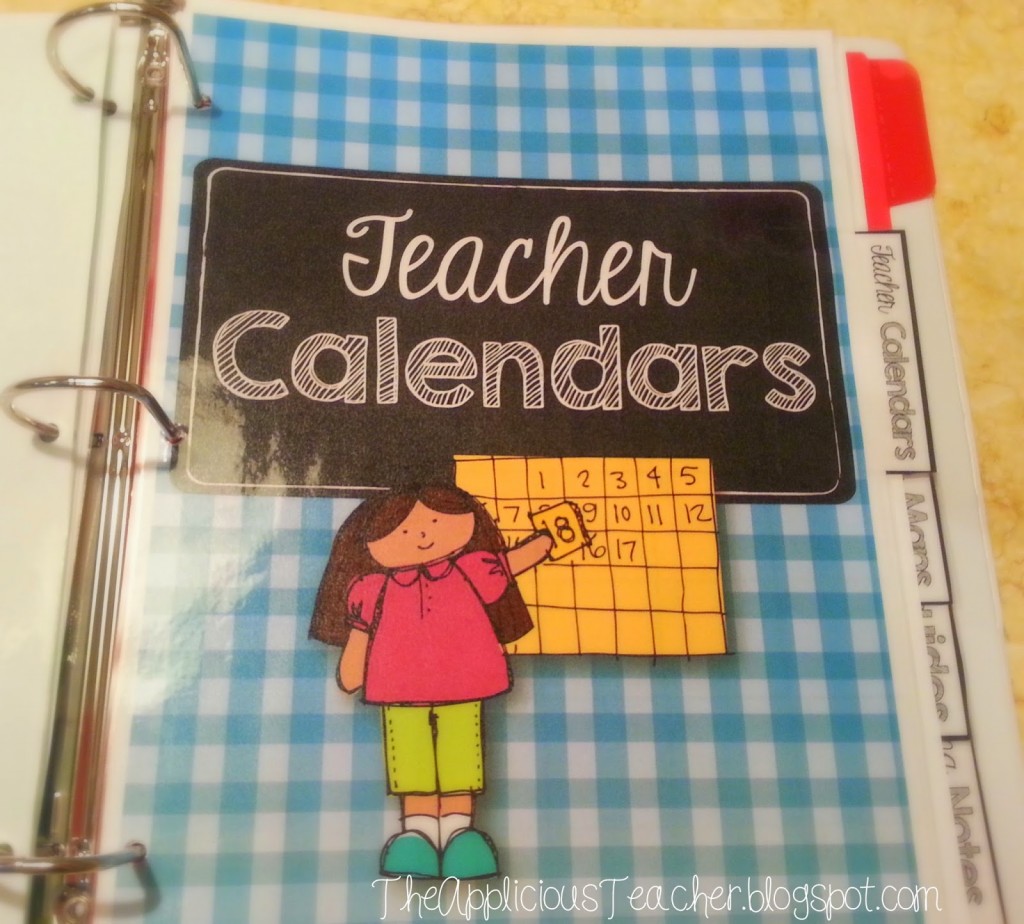
Behind the grade reports, I keep all my calendars. As a teacher, it seems we have LOTS of calendars…
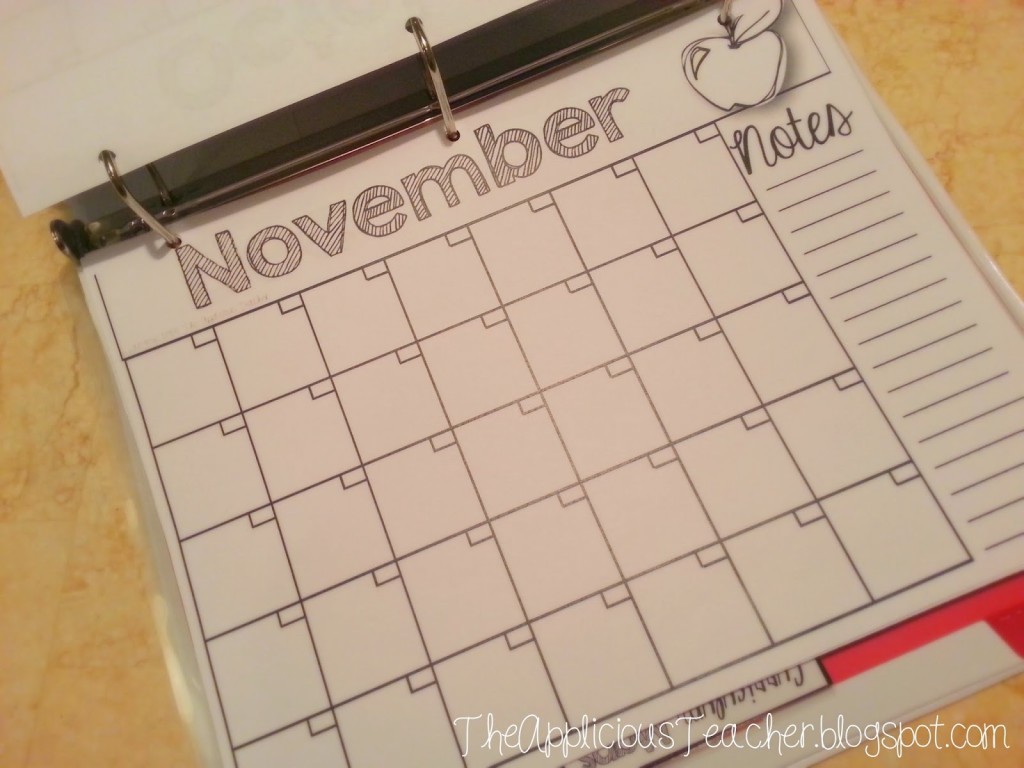
School calendars, testing calendars, meeting calendars, planning calendars… I keep them all here. I also like to keep monthly calendars so I can write down everyday things like parent conferences, theme ideas and important dates.
I’ve included this simple calendar page in my Curriculum binder set. They are not date specific, so they can be used over and over again from year to year. There’s also little notes section so you can include a few extra notes for the month.In addition to the calendars, like to keep copies of schedules in this tab. We have a “master schedule” we have to follow at my school, so I keep that there along with student schedules, lunch schedules, and Special Area schedules. If it’s all in one place, whenever I need to reference a day or time, I can justcross-checkk it against all those calendars and schedules.
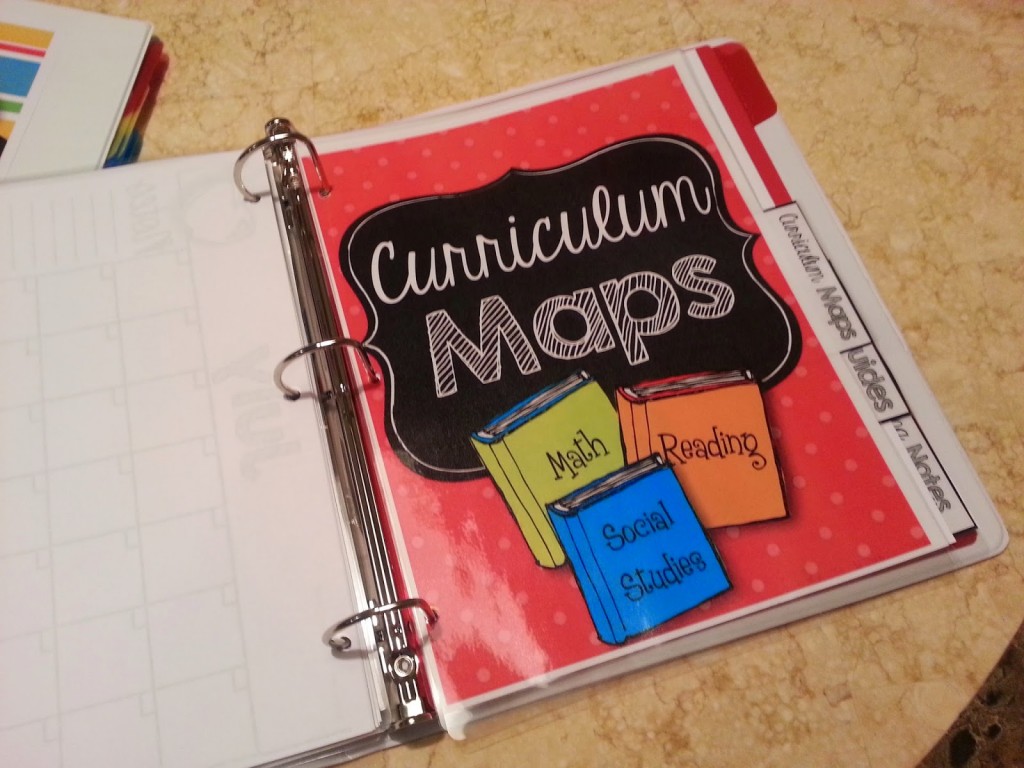
Behind the calendar tab is the curriculum maps tab.
This is home to all those large packets of paper that tell me what I am suppose to teach and when. Perfect to keep them all together so when I’m planning I can reference what concepts are supposed to be covered with in the next few weeks and go. Last year, we had 3 different maps just for our ELA block… so having a safe place to store them is key! Just remember to put them back in here if you pull them out… 😉
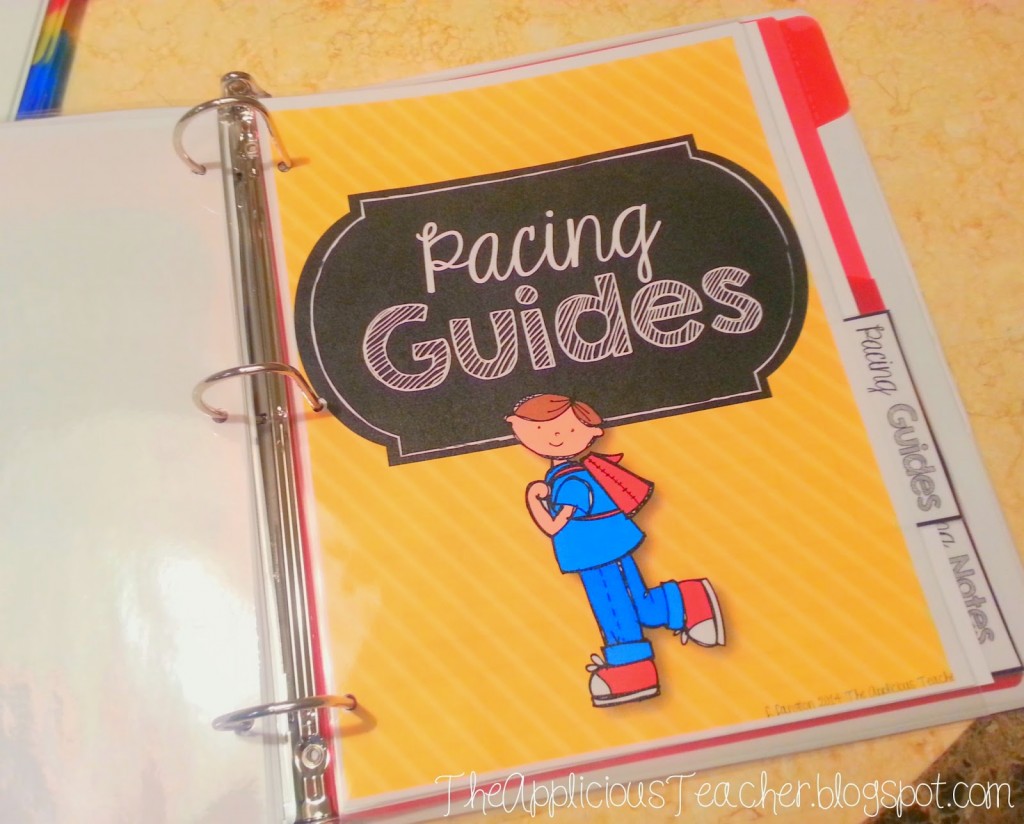
Next up are the pacing guides…
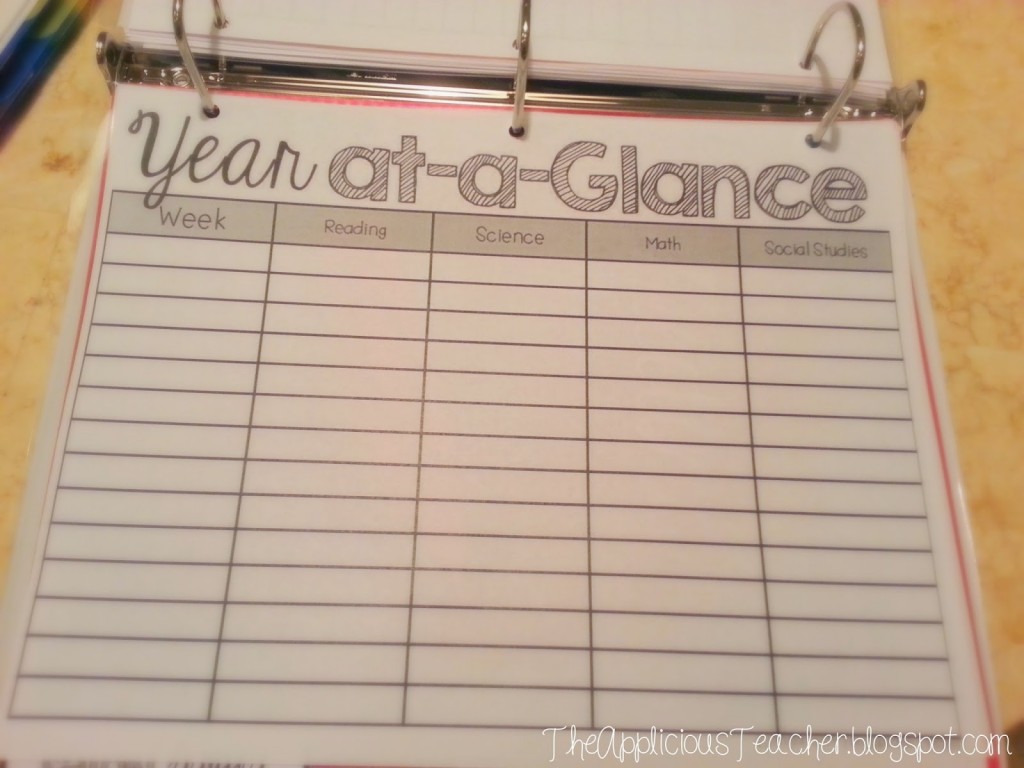
These are similar to the curriculum maps, but they provide a bigger snapshot for the year.
I’ve included this editable planning sheet in my pack so you can see what’s coming up and what you’re teaching from week to week in each subject. I started using a pacing guide like this about 3 years ago and it made my planning lessons sooooo much easier! It also helped me to construct thematic units by aligning certain science and social studies units with specific reading and math units. Yeah for long term planning!
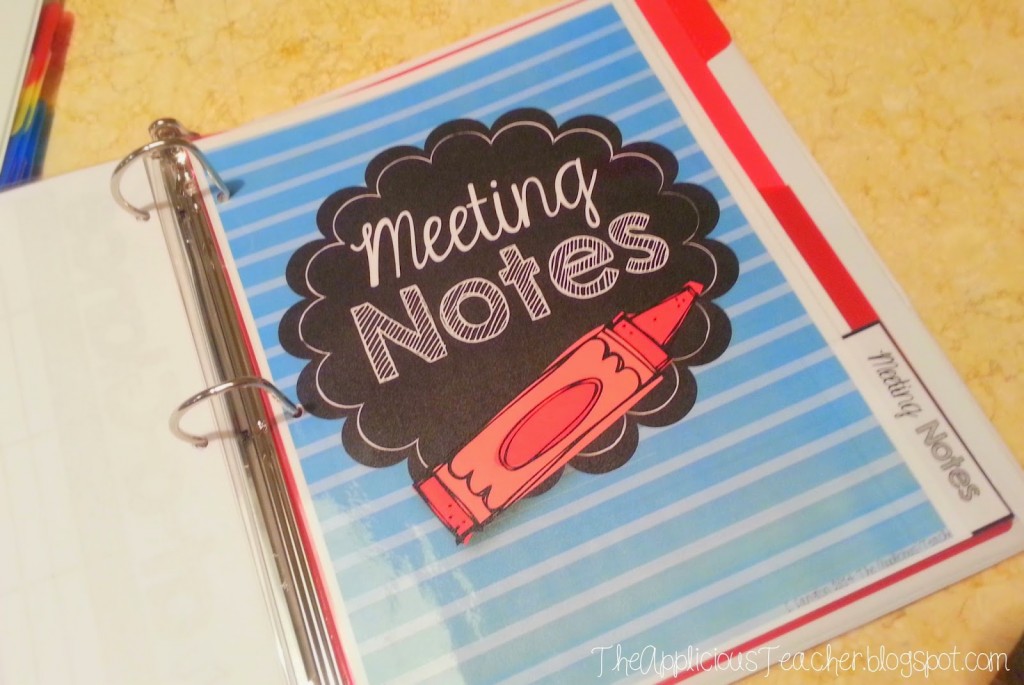
At the back of the planner, I like to keep my meeting notes.
I’ve realized that if I keep them all in one place, I am more likely to go back and reference them… No more of that, “What did they say at that meeting?” because I have it stored behind this tab!
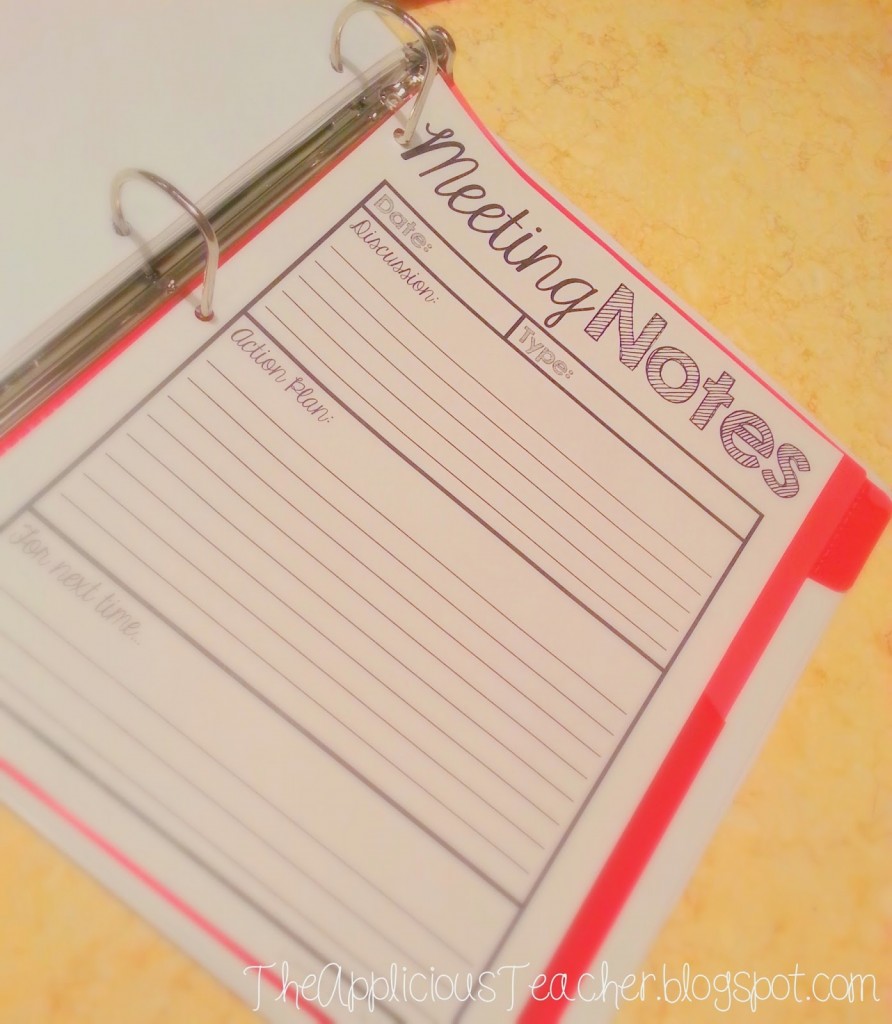
There’s even a notes taking sheet so you can organize the information as it’s given. There’s a place for the discussion, plan of action, and what you need to bring to the next meeting. Put these in order by date or type and you’ll be the one people come to ask “What did they say about…”
Now of course, this binder is set up to meet the needs of what I need to keep track in my classroom and for my district. You can make your own using a plain binder with plastic sleeves.
Making Your Own Teacher Binder
Like the one I used for the Student Data Binder, but not as big. I used a one and a half inch binder. Then of course you make your tabs, just like I did in this post.
Print and cut out your divider and tab.
Place in a laminating sleeve, arranging the tab on the back.
3. Laminate and trim out the tab…
4. and three whole punch to insert into your binder.
If you want a more detailed look at this process, head over to this post.
Now, you can always make your own dividers and tabs. they don’t have to be as fancy or decorative as mine. Seriously, fun file folders that have been hole punched work just as well!
But, if you like the ones I used, you can check out the file here. I’ve made the tabs and dividers editable so you can add and change each section to fit your “organizational musts”.
The Applicious Teacher is all about creating hands-on and engaging lessons that align with the standards while still having time for your life. This is your place for ideas, tips, and resources for the REAL teacher!
We use cookies on our website to give you the most relevant experience by remembering your preferences and repeat visits. By clicking “Accept”, you consent to the use of ALL the cookies.
This website uses cookies to improve your experience while you navigate through the website. Out of these, the cookies that are categorized as necessary are stored on your browser as they are essential for the working of basic functionalities of the website. We also use third-party cookies that help us analyze and understand how you use this website. These cookies will be stored in your browser only with your consent. You also have the option to opt-out of these cookies. But opting out of some of these cookies may affect your browsing experience.
Necessary cookies are absolutely essential for the website to function properly. These cookies ensure basic functionalities and security features of the website, anonymously.
Cookie
Duration
Description
cookielawinfo-checbox-analytics
11 months
This cookie is set by GDPR Cookie Consent plugin. The cookie is used to store the user consent for the cookies in the category "Analytics".
cookielawinfo-checbox-functional
11 months
The cookie is set by GDPR cookie consent to record the user consent for the cookies in the category "Functional".
cookielawinfo-checbox-others
11 months
This cookie is set by GDPR Cookie Consent plugin. The cookie is used to store the user consent for the cookies in the category "Other.
cookielawinfo-checkbox-necessary
11 months
This cookie is set by GDPR Cookie Consent plugin. The cookies is used to store the user consent for the cookies in the category "Necessary".
cookielawinfo-checkbox-performance
11 months
This cookie is set by GDPR Cookie Consent plugin. The cookie is used to store the user consent for the cookies in the category "Performance".
viewed_cookie_policy
11 months
The cookie is set by the GDPR Cookie Consent plugin and is used to store whether or not user has consented to the use of cookies. It does not store any personal data.
Functional cookies help to perform certain functionalities like sharing the content of the website on social media platforms, collect feedbacks, and other third-party features.
Performance cookies are used to understand and analyze the key performance indexes of the website which helps in delivering a better user experience for the visitors.
Analytical cookies are used to understand how visitors interact with the website. These cookies help provide information on metrics the number of visitors, bounce rate, traffic source, etc.
Advertisement cookies are used to provide visitors with relevant ads and marketing campaigns. These cookies track visitors across websites and collect information to provide customized ads.